Understanding the MV88 Microphone
1. Overview of Features and Specifications
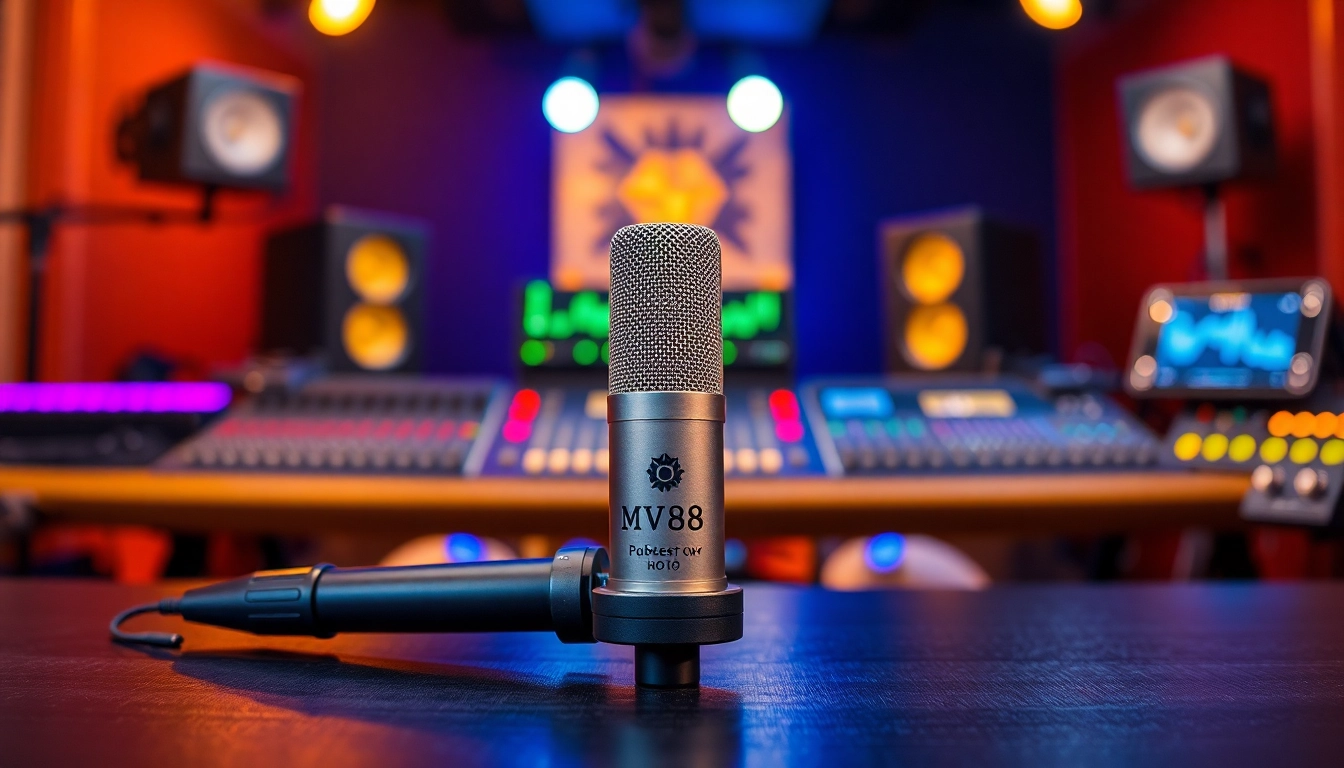
The MV88 is a compact digital stereo microphone that is designed for mobile devices, particularly iOS devices. Manufactured by Shure, this microphone is tailored for musicians, podcasters, and content creators who require high-quality audio without the bulk of traditional recording equipment.
The MV88 features a frequency response range of 20 Hz to 20 kHz, ensuring the capture of both the low-end thumps of a kick drum and the high-end nuances of a vocal performance. It utilizes a high-quality condenser capsule and features a built-in digital signal processing (DSP), allowing for enhanced audio quality.
One of the standout features of the MV88 is its ability to capture audio in different polar patterns: cardioid, bidirectional, and stereo. This versatility makes it suitable for various recording scenarios, from a single voice to an ensemble of instruments. The microphone is powered via the Lightning connector on iOS devices, eliminating the need for batteries and facilitating easy plug-and-play use. Additionally, the included ShurePlus MOTIV app provides advanced control over recording parameters, including gain, EQ, and compression, giving users the tools to create professional-quality recordings right from their devices.
2. Key Benefits of Using the MV88
There are numerous advantages to using the MV88 microphone. First, its portability is a significant benefit for on-the-go recording. Weighing just 1.5 ounces, it easily fits in a pocket while providing superior audio quality compared to built-in device microphones. Second, the MV88’s compatibility with iOS devices means you can record anywhere, anytime, without the complex setups often associated with traditional microphones.
Moreover, the built-in DSP is incredibly helpful for optimizing sound quality in varying environments. Users can easily switch between polar patterns, allowing for flexibility in how they capture sound, thus enhancing their recordings’ overall clarity and detail. The ShurePlus MOTIV app further enriches the user experience by offering professionals options for real-time monitoring, which aids in achieving optimal sound levels during recording.
3. Comparison with Similar Microphones
When comparing the MV88 to similar portable microphones, such as the Audio-Technica ATR3350 or the Rode VideoMic Me, several factors come into play. The MV88’s versatility in polar patterns gives it an edge for multi-directional recording, while the other options typically focus solely on cardioid. Additionally, the MV88’s integrated DSP allows for enhanced audio processing settings that competitors lack, making it a standout option for those seeking high-quality audio on mobile devices.
While Audi-Technica’s ATR3350 is an excellent lavalier option ideal for interviews, it does not offer the same versatility for recording ensembles or music. Similarly, the Rode VideoMic Me is tailored for video recording and connections to DSLR cameras, which may limit its use for pure audio projects. When prioritizing mobility, audio quality, and versatility, the MV88 remains a superior choice for many users.
Setting Up Your MV88 Microphone
1. Unboxing the MV88
Upon receiving your MV88 microphone, the first step is unboxing it carefully. Inside the package, you will find the MV88 microphone, an adjustable stand, a carrying case, and documentation including a quick start guide. Inspect each component to ensure nothing is damaged and that all pieces are accounted for. The inclusion of a carrying case is particularly advantageous for those who travel frequently, providing added protection for both the microphone and its accessories.
2. Step-by-Step Setup Instructions
- Connect the MV88: Attach the MV88 to your iOS device’s Lightning port. Ensure a secure connection to prevent audio dropouts.
- Download the ShurePlus MOTIV App: If you haven’t already, download the ShurePlus MOTIV app from the App Store. This app is essential for managing recording parameters and optimizing your audio.
- Launch the App: Open the ShurePlus MOTIV app, which will automatically recognize the MV88 once connected. You may need to grant permissions for microphone access.
- Choose Your Settings: Use the app to select your desired polar pattern (cardioid, bidirectional, or stereo) based on the recording scenario. Ensure you also adjust gain levels if necessary.
- Start Recording: Press the record button in the app once all settings are to your liking. The app provides visual feedback on levels, so ensure you aren’t peaking to achieve optimal recordings.
3. Common Setup Mistakes to Avoid
While setting up the MV88 is relatively straightforward, there are some common mistakes that users should be aware of:
- Neglecting Polar Patterns: Not adjusting the polar pattern for the recording environment can lead to suboptimal audio quality. Take the time to choose the right pattern based on your situation.
- Incorrect Gain Settings: Failing to adjust gain can result in either distortion (if too high) or weak recordings (if too low). Monitor levels through the app to maintain optimal settings.
- Poor Microphone Placement: Positioning the microphone too far from the sound source can reduce audio clarity. Aim to keep it within a reasonable distance to capture detailed sound.
Optimizing Audio Quality with the MV88
1. Best Practices for Recording
To achieve the best audio quality possible with the MV88, there are several best practices users should follow:
- Environment Matters: Choose a quiet space to minimize background noise. If recording indoors, close windows and turn off any noisy appliances.
- Setup Your Microphone Height: Position the microphone at mouth level for vocal recordings or at instrument height for music recordings to capture balanced sound.
- Use Pop Filters: When capturing vocals, consider using a pop filter to reduce plosive sounds that can disrupt your recordings.
2. Advanced Techniques for Superior Sound
Once the basics are down, delve into advanced techniques that can elevate your recordings:
- Experiment with Distance: Try recording at various distances from the source to find the sweet spot that balances clarity and richness in sound.
- Utilize Windshields: If recording outdoors, use a foam windscreen or a furry windshield to reduce wind noise that can interfere with audio quality.
- Monitor Your Audio: Use headphones to monitor audio as you record, ensuring sound levels are consistent and free from interference.
3. Troubleshooting Audio Issues
Like any technology, users may encounter audio issues. Here are some common problems and solutions:
- Low Volume: Check the gain settings in the ShurePlus MOTIV app. If the gain is too low, adjust it higher to ensure a strong signal.
- Distortion: If audio sounds distorted, check the microphone positioning and lower the gain in the app. Moving the microphone further away from the sound source can also help.
- Interference: Ensure that no other electronic device is too close to the MV88 while recording, as this can create unwanted noise. Move away from large metal objects as well.
Applications of the MV88 Microphone
1. Recording Music and Vocals
The MV88 shines in music and vocal recording scenarios. Its superior audio capabilities make it a preferred choice for singer-songwriters recording demos, as well as full band sessions. The versatility of polar patterns allows for different recording techniques, such as capturing a singer’s vocal while also gathering ambient sound from instruments in the background. This not only enhances the richness of the recording but also adds a spatial quality to the music.
2. Podcasting Essentials with the MV88
Podcasting has exploded in popularity, and the MV88 is well-suited for this medium. With its ease of setup and high-quality audio capture, podcasters can deliver clear interviews and discussions regardless of location. The ability to record in stereo also adds depth to conversational formats, which can enhance listener engagement. For best results, use the MV88 with a portable recorder or directly into a mobile device for easy editing and distribution.
3. Use Cases in Video Production
Video production, whether for YouTube, vlogs, or cinematic projects, greatly benefits from the use of the MV88. The microphone can be mounted on smartphones or cameras, providing superior audio quality that enhances video content significantly. When coupled with high-quality visual content, having well-captured audio flows seamlessly into creating a professional final product. Remember to consider audio settings that complement your visual storytelling by matching sound depth and clarity.
Customer Insights and Feedback on the MV88
1. User Experiences and Testimonials
Feedback from users highlights the MV88’s remarkable sound quality and ease of use as its most celebrated features. Many have praised its ability to produce studio-like recordings in a portable format, making it an invaluable tool for creators and musicians on the move. Several testimonials also cite the ShurePlus MOTIV app as a game-changer, providing versatile control over various audio parameters and ultimately enriching the user experience.
2. Common Queries Addressed
Prospective buyers often ask about compatibility and battery life. Given that the MV88 connects via Lightning, it is specifically designed for iOS devices; hence, users of Android or other non-compatible devices will need to explore alternatives. Regarding battery, one of the advantages of the MV88 is that it draws power directly from the device it connects to, allowing for prolonged use without worrying about battery life.
3. Final Thoughts from the Community
Overall, community feedback emphasizes that the MV88 is an excellent investment for both budding and seasoned audio creators looking for quality and flexibility in their recordings. The microphone’s ability to adapt to various recording scenarios—be it music, podcasting, or video—makes it a comprehensive solution for diverse audio challenges.